
Install latest/stable of muon-ssh
Ubuntu 16.04 or later?
Make sure snap support is enabled in your Desktop store.
Install using the command line
sudo snap install muon-ssh --classicDon't have snapd? Get set up for snaps.



You are about to open
Do you wish to proceed?
Thank you for your report. Information you provided will help us investigate further.
There was an error while sending your report. Please try again later.
Generate an embeddable card to be shared on external websites.
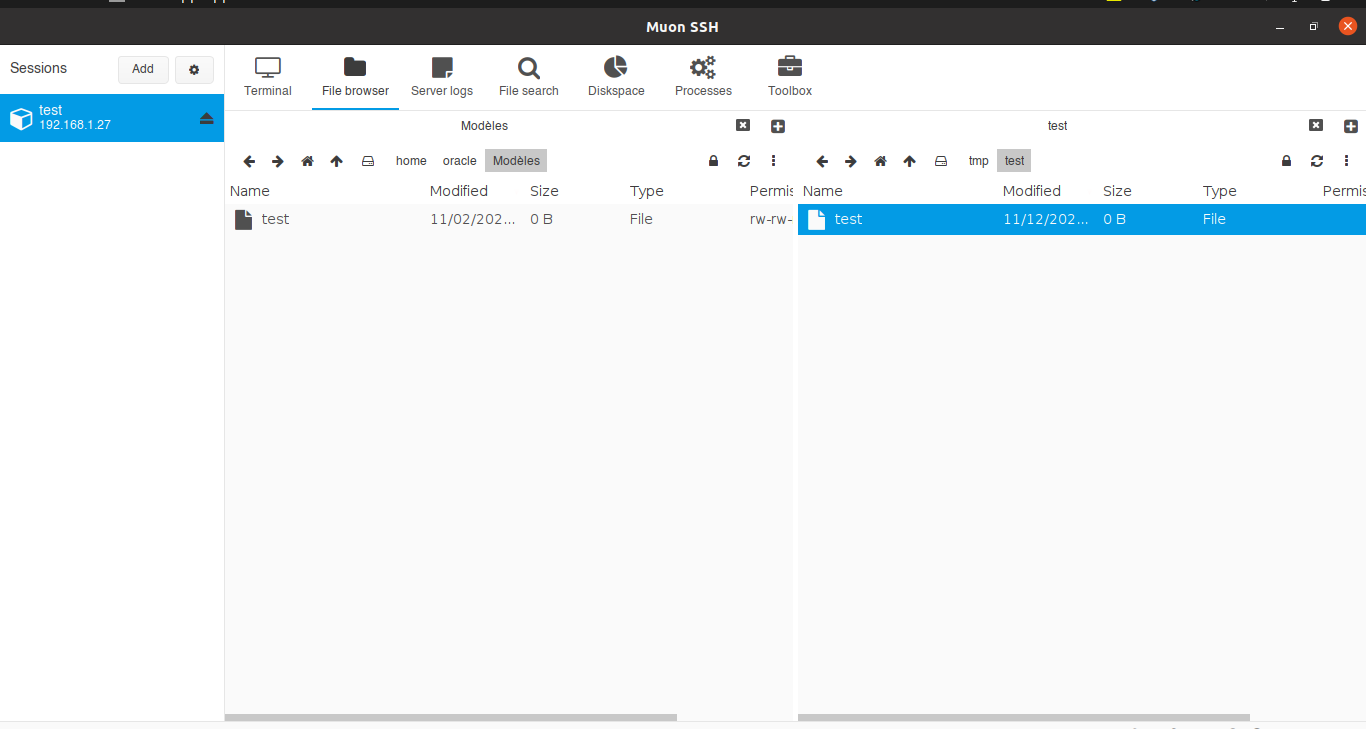
Muon redefines the way you connect to remote servers. As a sleek, graphical SSH client, it combines essential tools into one intuitive interface. Browse files, manage resources, analyze disk space, and edit text seamlessly—all while running commands in its built-in terminal emulator.
With added features like a log viewer and process manager, Muon streamlines your workflow, making server management simpler and more efficient. Elevate your remote work experience with Muon: where power meets simplicity.
More information is available on GitHub Repo: https://github.com/devlinx9/muon-ssh
Choose your Linux distribution to get detailed installation instructions. If yours is not shown, get more details on the installing snapd documentation.
