






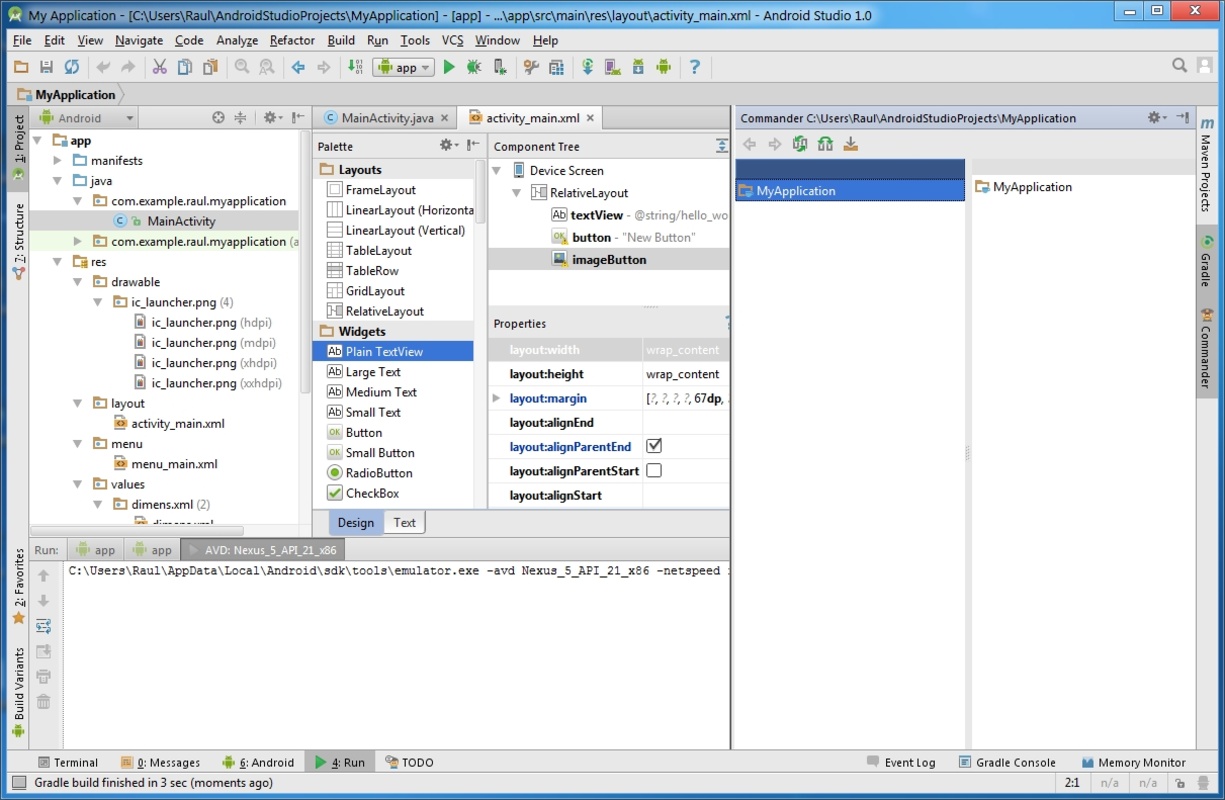


Android Studio is the official development environment for creating, debugging, and publishing Android apps, combining code editing, device emulation, and Google AI-based assistance. Android Studio integrates everything so that beginners or expert programmers can test and optimize their apps to publish them as quickly as possible in any app store.
Intelligent code editor and visual design
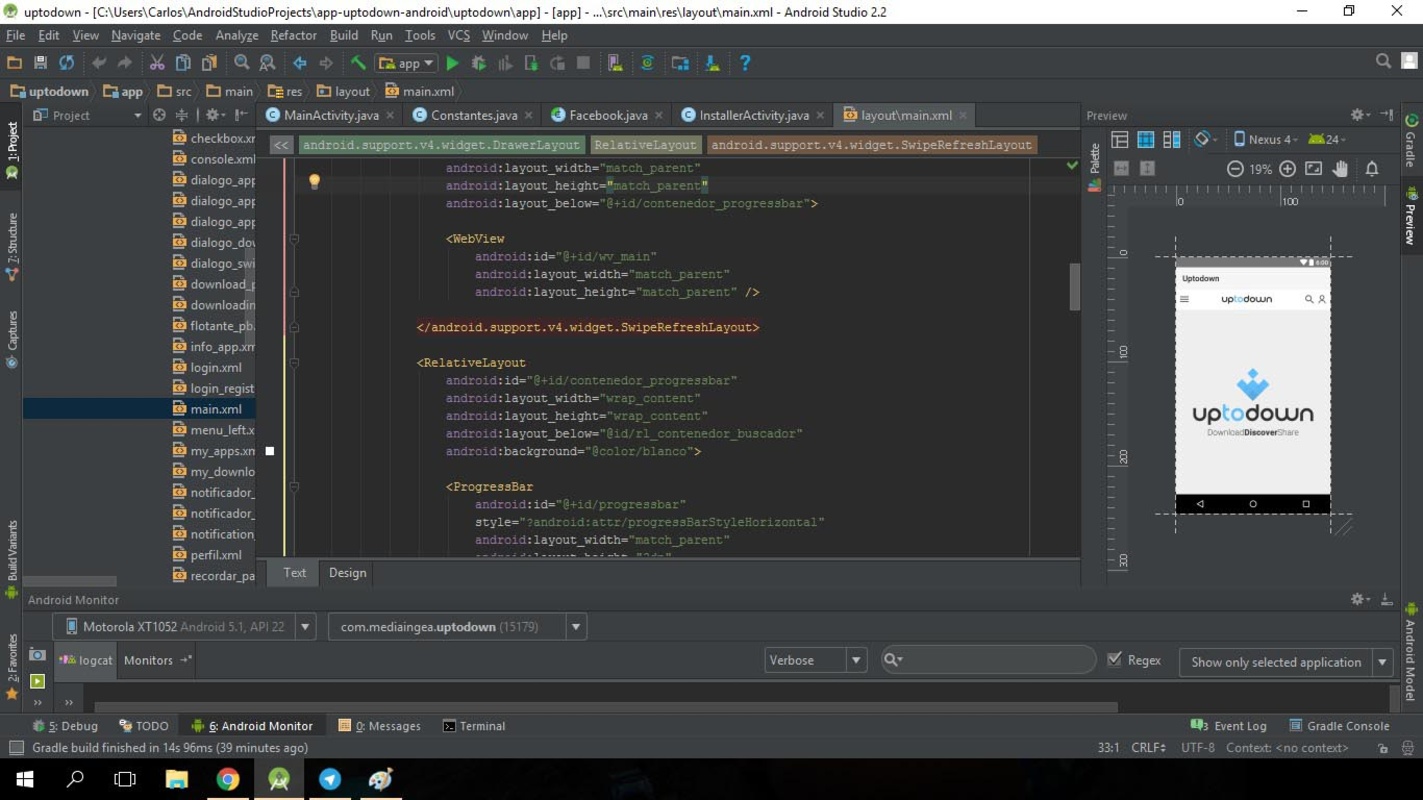
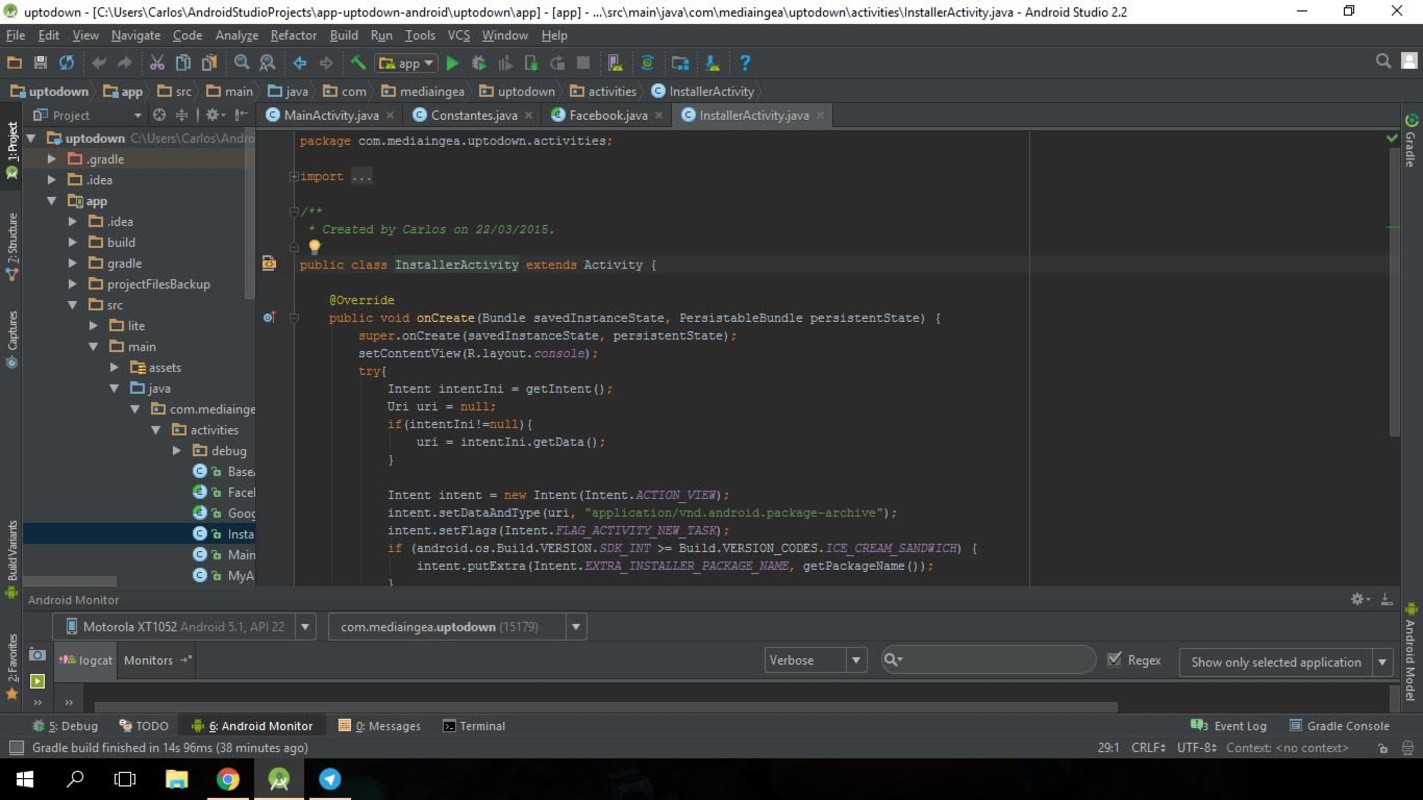
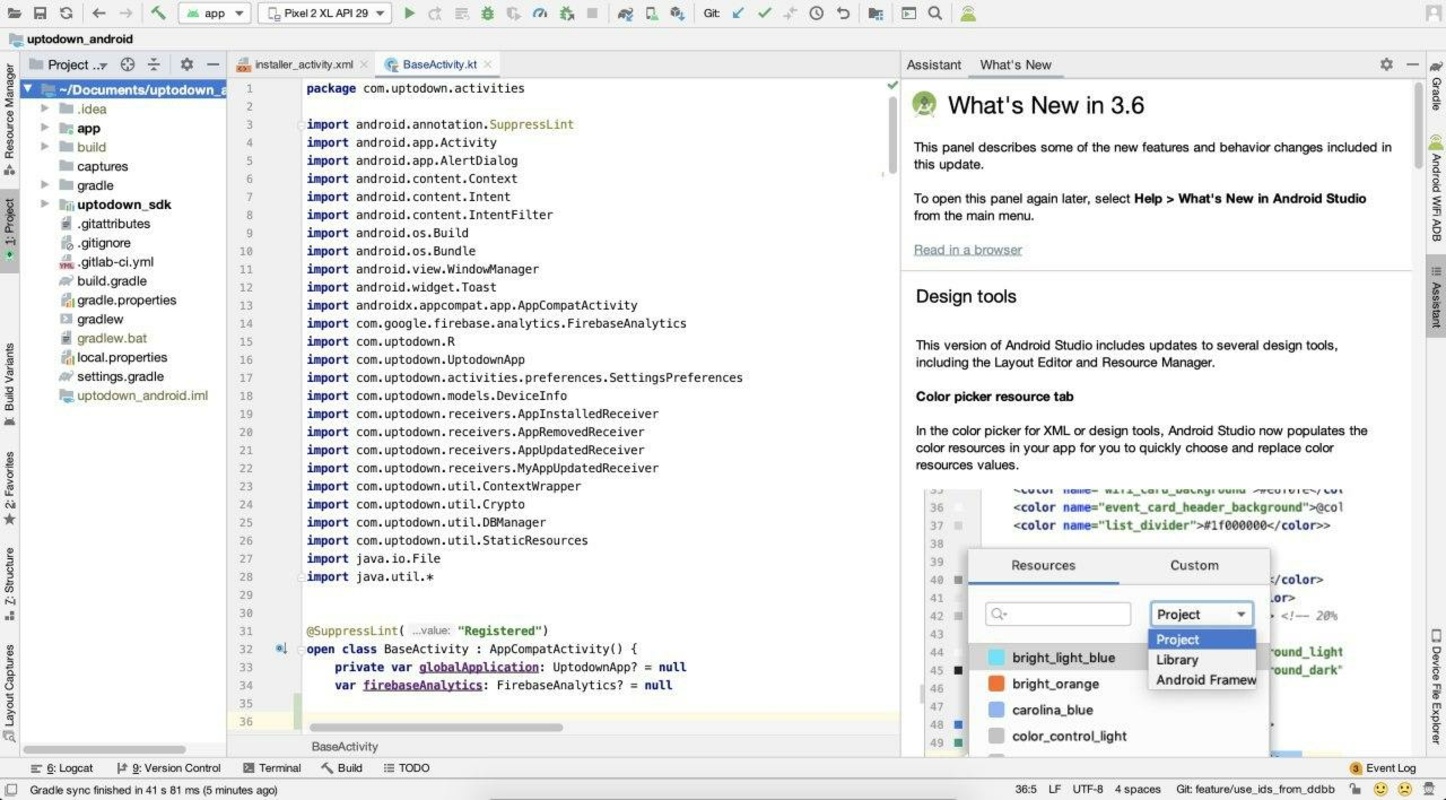
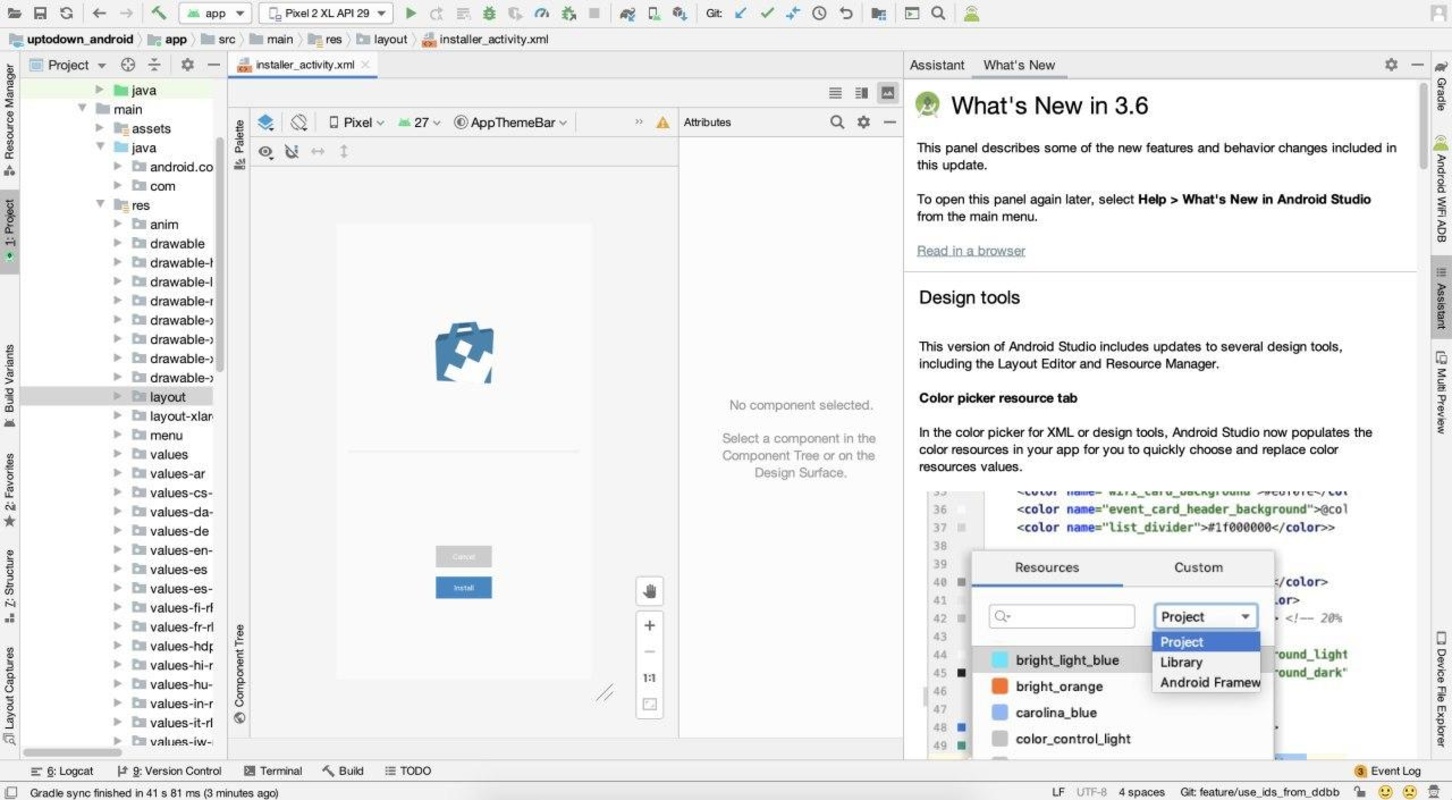
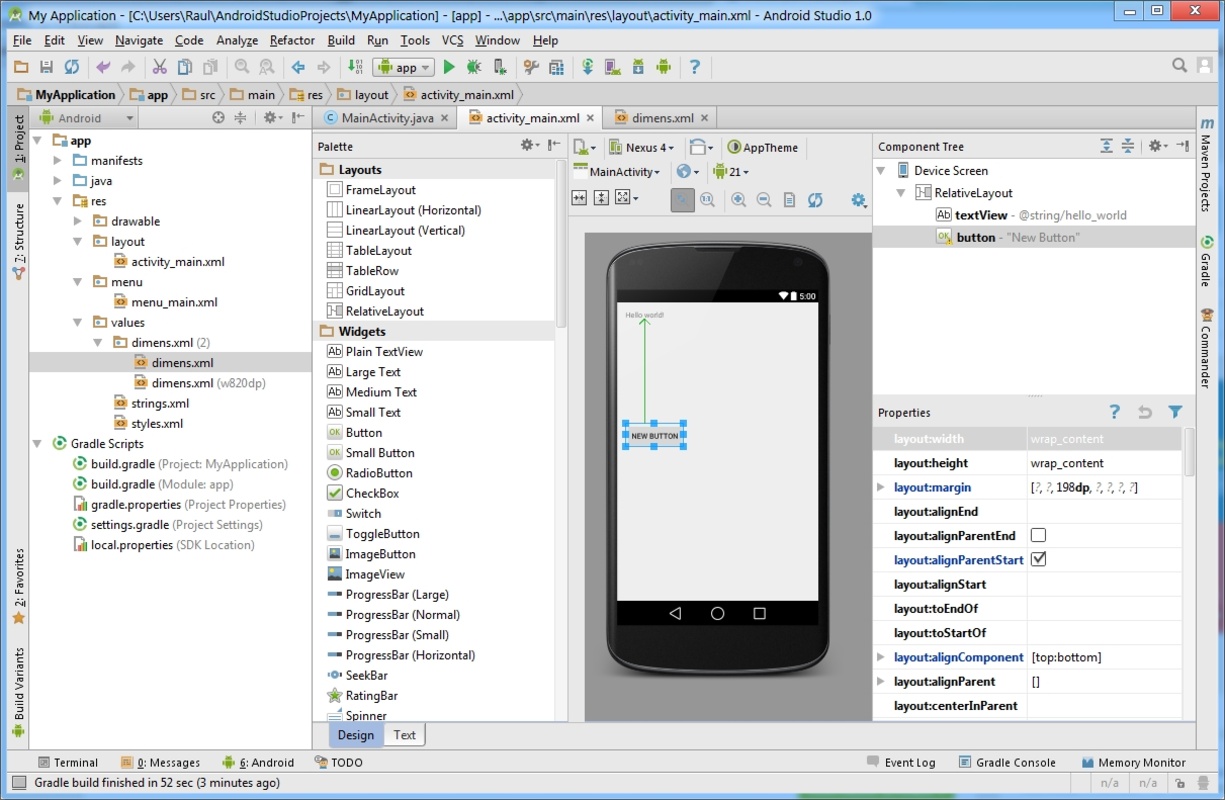
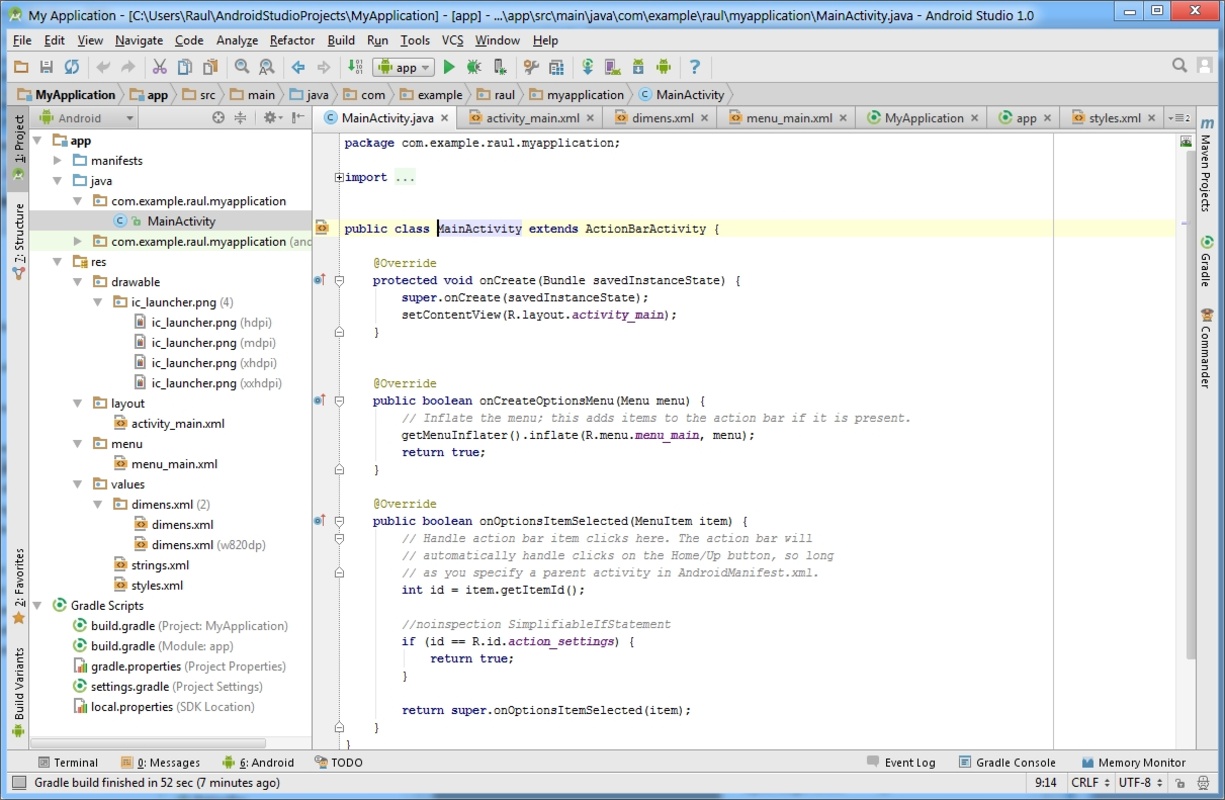
Android Studio allows you to write code faster and more securely thanks to features like autocomplete, automatic refactoring, and smart suggestions. The editor supports Kotlin, Java, and C++, and includes tools for visually editing interfaces with drag and drop (Compose and XML design), previewing changes in real-time, and easily configuring responsive layouts perfect for mobile devices, tablets, Wear OS, or TV. It also evaluates code performance and offers suggestions in a bid to optimize resources and execution times.
Compilation and custom variants
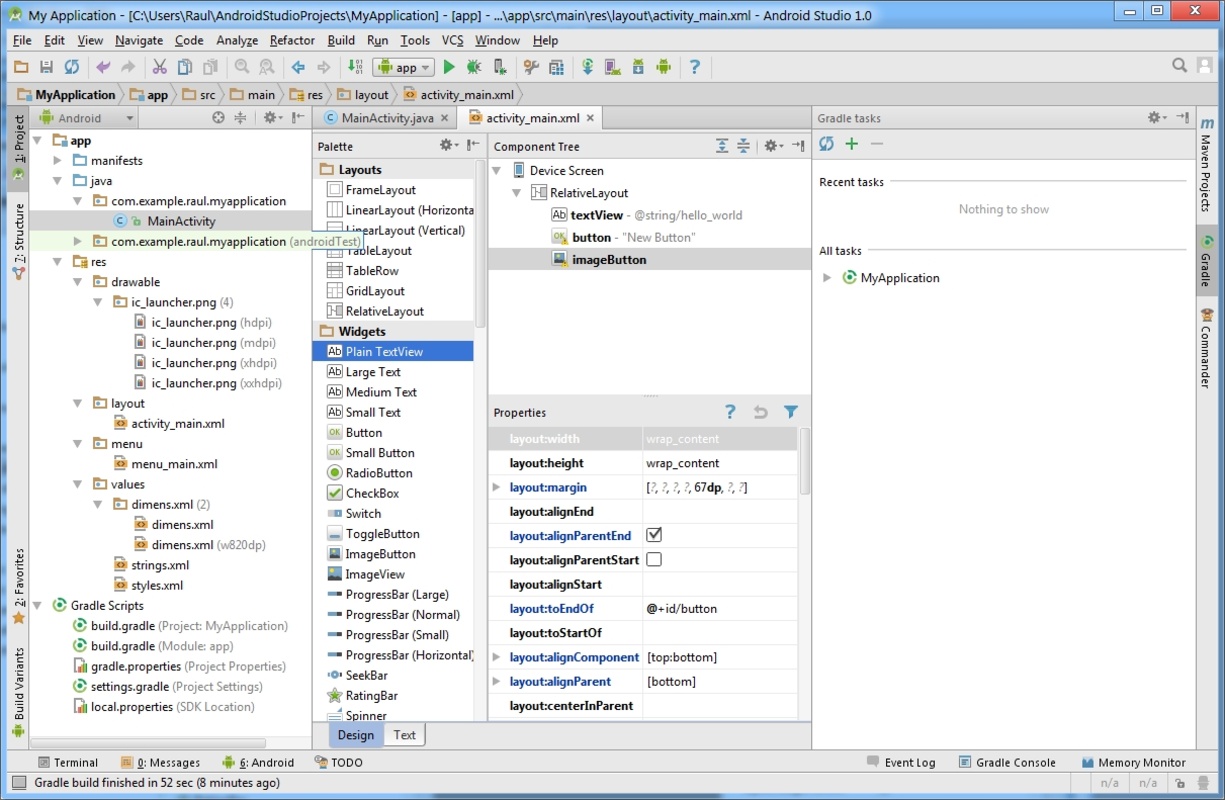
The compilation system, based on Gradle, allows you to create specific versions of your apps for different devices or user profiles. This means you can manage multiple variants and configurations from a single project. The integrated build analyzer identifies bottlenecks and looks for ways to shorten deployment times, maximizing efficiency without sacrificing quality or compatibility.
Device emulation and automated testing
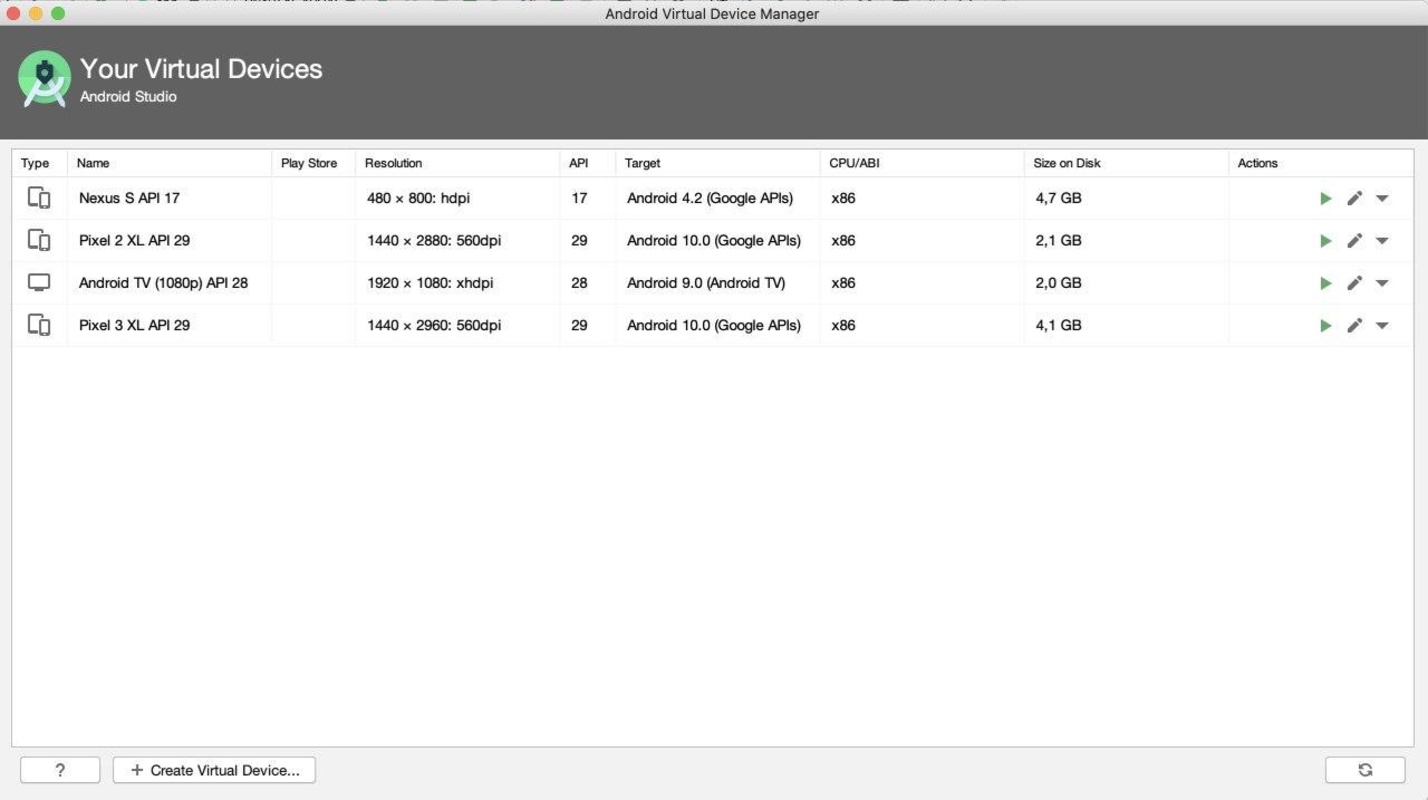
The Android Studio emulator suite allows you to simulate any Android device, taking control over system versions, screen formats, and extreme conditions. As a result, you can test your app on phones, tablets, foldable devices, watches, Android TV, and ChromeOS before launch, identifying errors and optimizing compatibility. What's more, you can automate tests and analyze how your app responds to different situations, simplifying the development and debugging process.
Gemini AI and contextual help
By integrating Gemini, Google's AI assistant, you can generate code, fix errors, and resolve technical questions directly in the IDE. Thanks to Gemini, you can speed up repetitive tasks, see examples, or adapt snippets of your project, meaning you can dedicate more time to creative logic and spend less time dealing with routine problems. The enriched documentation and integrated resources also provide continuous support as you learn about Android features and best practices.
Cloud and cross-platform development
With Android Studio Cloud, your development environment is accessible directly from the browser as a result of its integration with Firebase Studio, bypassing local installations and allowing you to program wherever you are. This level of flexibility is ideal if you collaborate remotely with a team or if you develop on multiple devices or in different locations.
Support for App Bundles and specific tools
Android Studio supports Android App Bundles, the recommended publishing format to reduce the size of the download and optimize deployment on Google Play. It presents tools to help you analyze resource usage, manage permissions, create updates, and ensure the stability of each version you publish.
Documentation and tutorials so you can stay in the know
Android Studio has structured training modules for all levels, from basic tutorials for beginners to advanced guides and documentation that is always up to date. SDK, compilers, package managers, and downloads for all compatible operating systems... It's all here to ensure full compatibility in any environment.
Download Android Studio and develop Android apps with the most complete free program around.


 17 reviews
Comments
Best application
the best of the best
Very nice app
I will try it for the patiilan.com site.
very good application and easy to use
very good