






Google Sheets is the spreadsheet app that combines the power of traditional office tools with the flexibility of working in the cloud. Designed for professionals, students and teams that need to collaborate in real time, with this tool you can create, edit and manage documents from any device, all backed up with the automatic synchronization offered by Google Drive.
Create, edit or delete spreadsheets
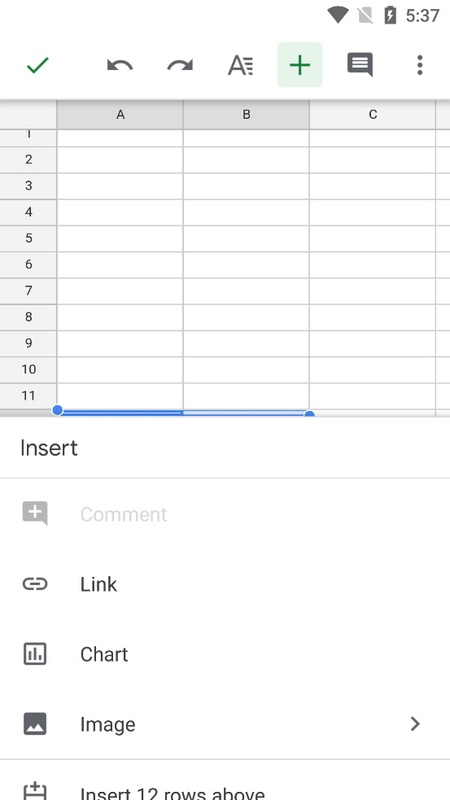
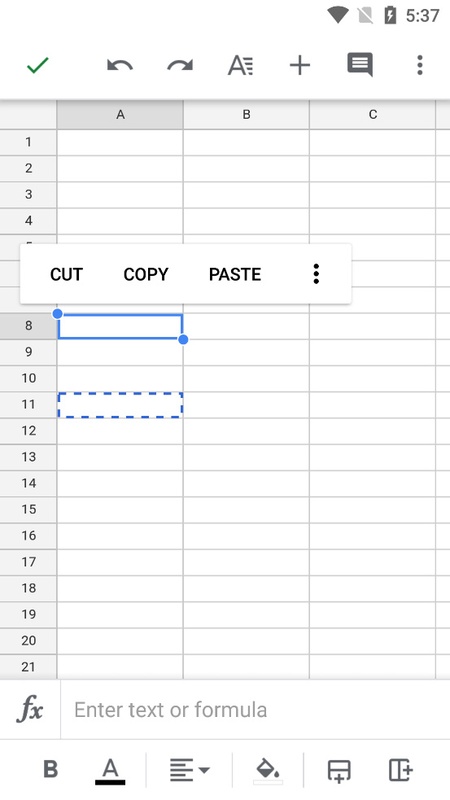
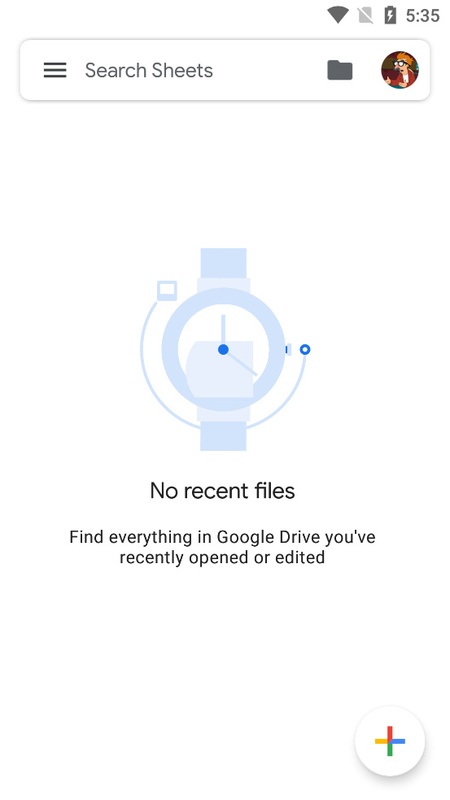
You can create a new Sheet to work on from the main view of the app. To do so, just click on the '+' button in the bottom right. Once it is created, you can reopen it from the main window, where a list of the last opened files will be displayed. Every Sheet can be modified, duplicated or deleted with a couple of taps.
Real-time collaboration
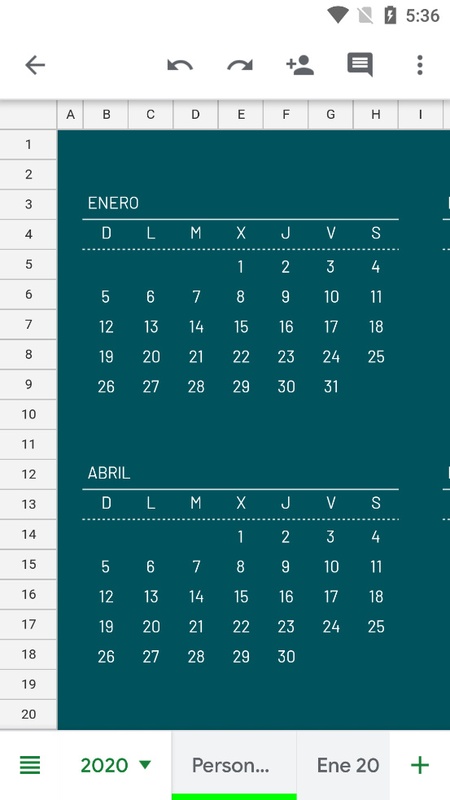
One of Google Sheets's greatest benefits is the possibility of working simultaneously with other people on the same document. Contributors can see changes instantly, add comments, suggest edits and respond directly on the Sheet. This dynamic helps you to see what the rest of your colleagues are working on and avoid stepping on anyone else's toes. In this mobile version, this is much more appreciated, since working on a screen smaller than a PC screen can mean not knowing where other collaborators are working.
Boost productivity from anywhere
The main advantage of having Google spreadsheets ready to go is that you will remove the limitations of traditional spreadsheets since they are cloud-based. As a result, you can access your files from your cell phone and continue where you left off or share them instantly with whoever you need to. Automatic synchronization ensures that your documents are always up to date, avoiding any problems with outdated versions or loss of data.
If you want to be able to view or edit spreadsheets from your mobile device with all the key functions available, download the free Google Sheets APK and boost your productivity from anywhere.
Requirements (Latest version)
- Android 10 or higher required


 72 reviews
Comments
good
EXCELLENT
This is the best spreadsheet application.📑
Excellent but difficult to install
What are the tools in Google Sheets?
Good day! On the phone, a table opens with different values than on the computer. The reason is in rounding and formulas. How to fix and set parameters "as on screen"?