
Thanks to visit codestin.com
Credit goes to k-lite-mega-codec-pack.en.uptodown.com

Go to Windows platform Display platforms icon
Go to Windows platform Go to Mac platform Go to Android platform
K-Lite Codec Pack (Mega) icon

K-Lite Codec Pack (Mega)

19.4.5
4.2 15 reviews
4 M downloads
security security

Play any video with this recommended kit

Advertisement
Remove ads and more with Turbo
Advertisement
Remove ads and more with Turbo
Andrés López icon
Reviewed by
Andrés López
Content Editor
Andrés López is part of Uptodown's in-house Editorial Team. Translated by Uptodown Localization Team

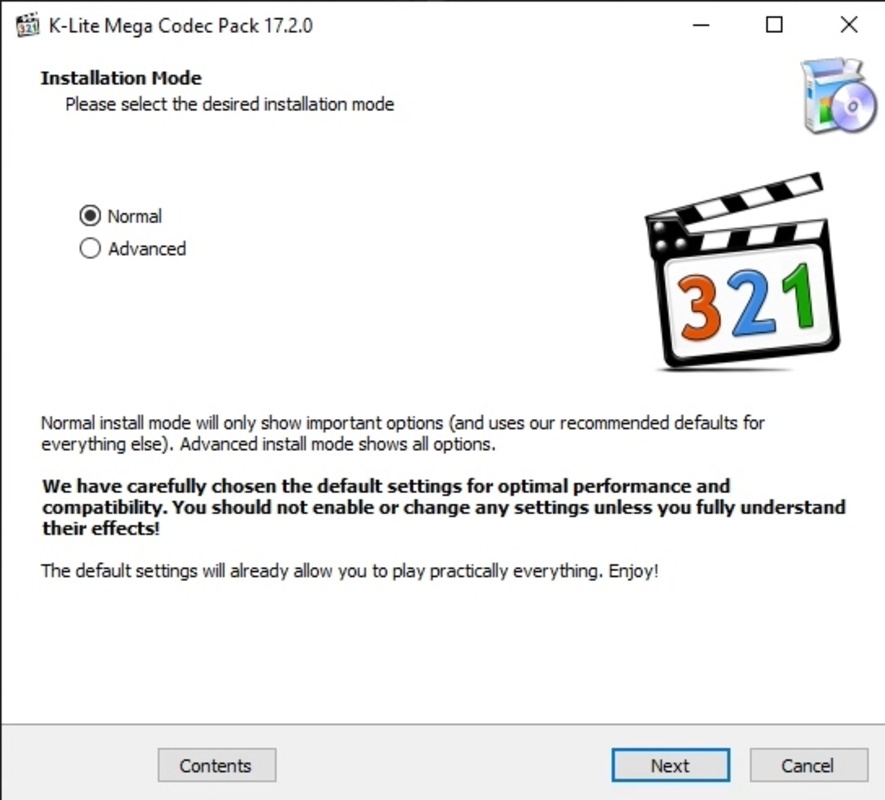
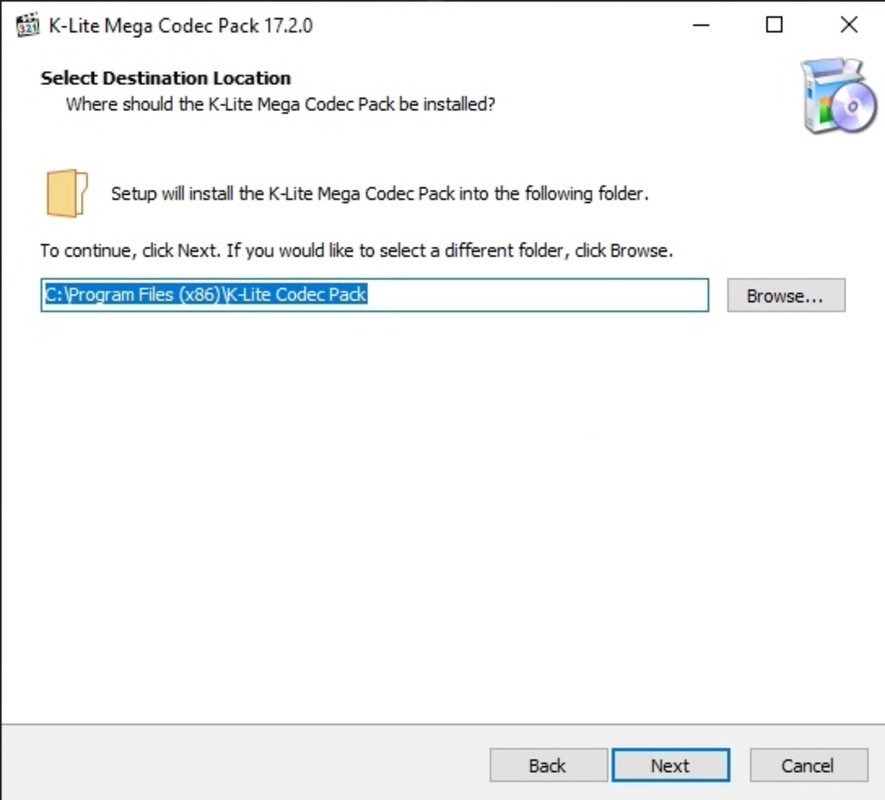
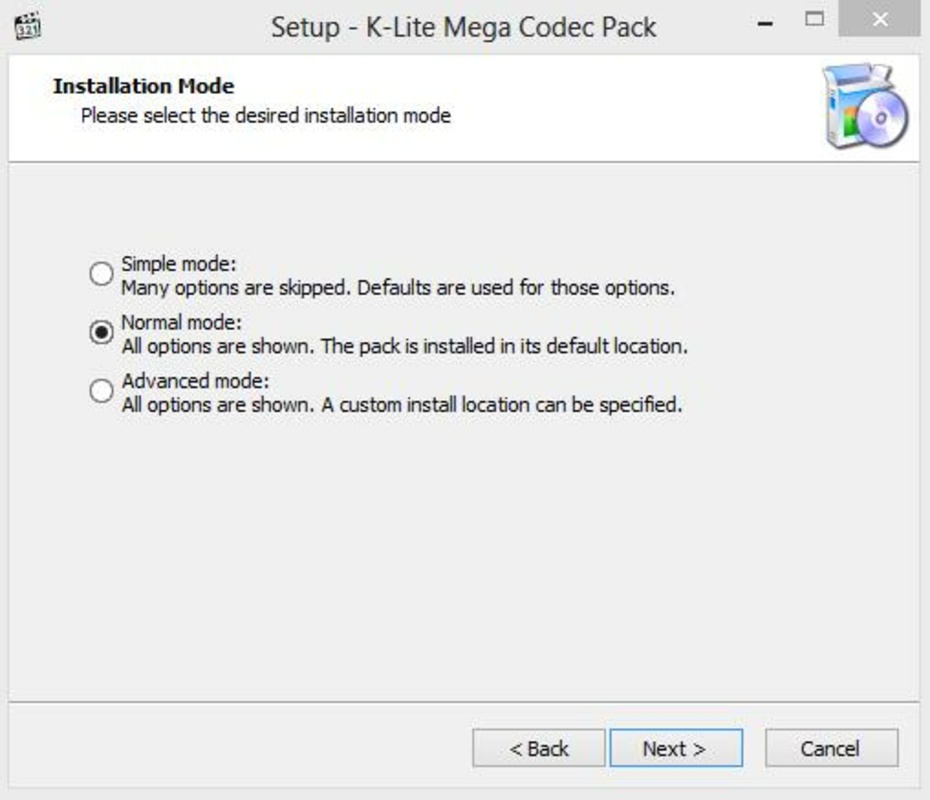
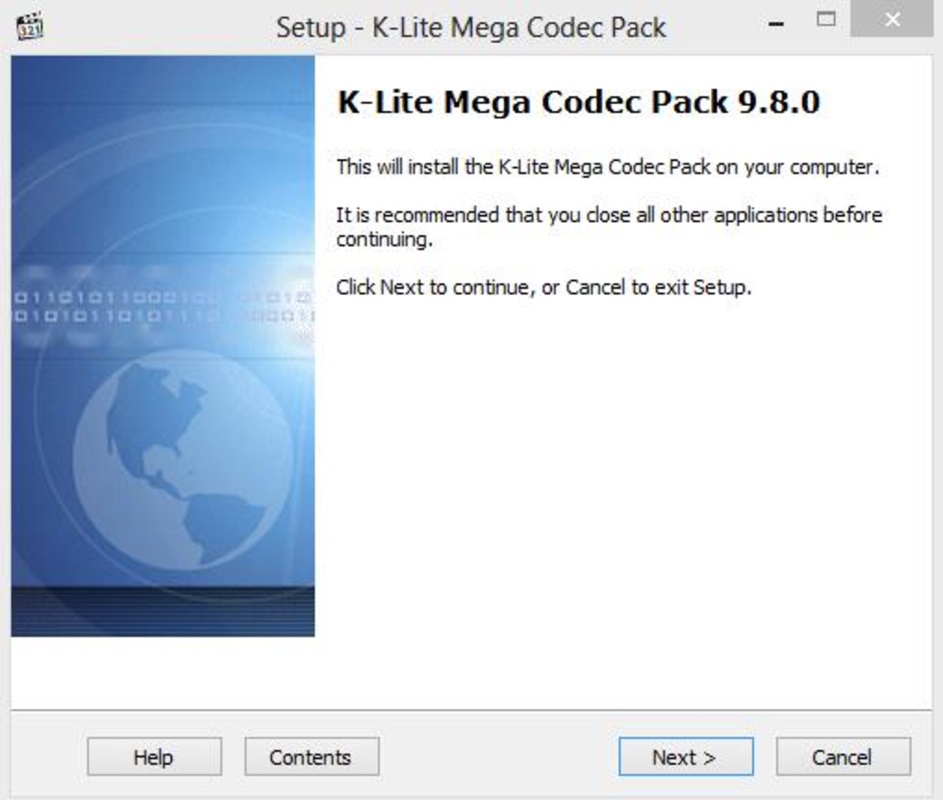
K-Lite Codec Pack (Mega) is one of the most complete and up-to-date codec packages for both video and audio. Thanks to this package, especially in this Mega version, you can play any movie or audio file stored on your PC hard drive. No matter your default player, with these codecs, you can play any file you want.

The installation of this package also includes several optional video players, including the well-known Media Player Classic and BSplayer, two of the most widespread and reputable players. Basically, K-Lite Codec Pack (Mega) is a great way to get the necessary decoders to watch any movie, video clip, or video fragment you've recorded and exported to your PC.

Advertisement
Remove ads and more with Turbo

The main difference between this MEGA version of K-Lite Codec Pack (Mega) and the FULL version is that this one includes the ACM/VFW codecs, which you can use to encode video and audio directly from your computer. It's important to note, however, that these codes only work in applications that specifically support them. Apart from this, the MEGA version, just like the FULL version, lets you play practically everything.

As usual with K-Lite codec packs, K-Lite Codec Pack (Mega) also includes a number of configuration tools and additional filters for better image quality and performance. In short, if you ever have problems playing a file, don't hesitate to install this application and put an end to these errors and incompatibility problems.

Information about K-Lite Codec Pack (Mega) 19.4.5

Basic information

Developer Codec Guide
License Free
Category Codecs
Rating Not specified
Languages English
47 more

Security and privacy

Required permissions Not applicable
Advertising Not specified
See security and antivirus report
Why is this app published on Uptodown? (More information)

Download info

Downloads 4,011,019
Date Jan 27, 2026
File type EXE
Size 65.16 MB
SHA256 96da822c95334cd13663d0f0e9f85f2cefe220eed0a81680d716b15e434f200a
Advertisement
Remove ads and more with Turbo

Older versions

See more
exe 19.4.0 Jan 7, 2026
exe 19.3.5 Dec 5, 2025
exe 19.2.5 Oct 2, 2025
exe 19.2.0 Sep 19, 2025
exe 19.1.5 Aug 15, 2025
exe 19.1.0 Jul 25, 2025

Rate this App

Review the app
K-Lite Codec Pack (Mega) icon

Rating

4.2
5
4
3
2
1
15 reviews

Comments

See more
mahpa1 icon
mahpa1
in 2023

Best powerful video and audio player!

4
Reply
hungryredwoodpecker92406 icon
hungryredwoodpecker92406
in 2022

Very good *****

2
Reply
ti23191030 icon
ti23191030
in 2020

Very good and I recommend it

5
Reply
bravebluesquirrel66672 icon
bravebluesquirrel66672
in 2019

Excellent !

13
Reply
raf15 icon
raf15
in 2019

This is version 13.7.5.0.

17
Reply
marlonokay icon
marlonokay
in 2018

It has all the video codecs I need! It's one of the best packages!

26
Reply
See more
Advertisement
Remove ads and more with Turbo
K-Lite Codec Pack icon
The most complete codec pack
AV1 Video Extension icon
Playback and compress content with the AV1 codec in Windows
FFmpeg icon
One of the best open codecs for video playback
VP9 Video Extensions icon
Play VP9 codec videos natively on Windows
MPEG-2 Video Extension icon
Watch videos with the MPEG-2 codec on Windows
Media Player Codec Pack icon
Media Player Codec Pack for Windows 10 and 11
MX_FFmpeg (Codecs for MX Player) icon
Codecs for playing AC3, E-AC3, and DTS on MX Player
K-Lite Codec Pack (Full) icon
Unlimited playback with this complete codec pack
CapCut icon
Incredibly powerful and easy-to-use video editor
HEVC Video Extensions from Device Manufacturer icon
Play HEVC (H.265) encoded videos on Windows
FormatFactory icon
Conversion between video, sound and image formats
Adobe Premiere Pro icon
Video edition tool for novice and professional users
VLC Media Player icon
A powerful media player and streaming server
Wondershare Filmora icon
Create and edit impressive videos in the easiest way possible
Media Player Classic - Home Cinema (MPC-HC) icon
An all-round great multimedia player
Adobe Photoshop Express icon
Advanced photo-editing from this free program