





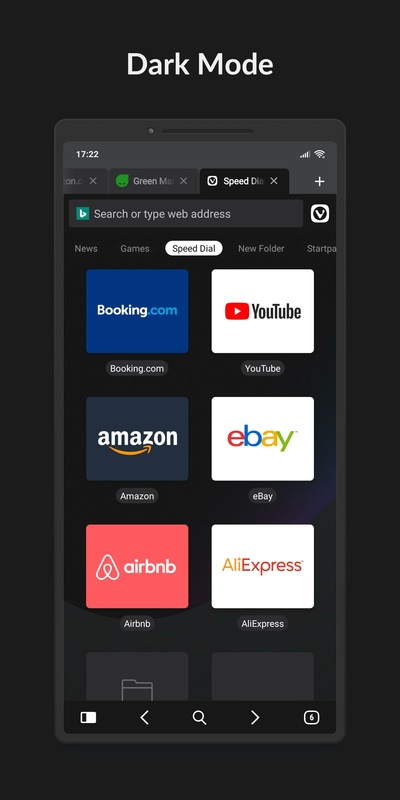

Vivaldi is a web browser based on Chromium whose wide variety of features make viewing pages a much simpler and more enjoyable experience. You have bookmarks, history, tabs, a dark mode and a whole host of features that make your day-to-day life easier.
Manage and sync your tabs
Like other web browsers, Vivaldi allows you to open multiple tabs at the same time. You can switch between these very easily, either by swiping to the side in the address bar or using the tab selector with the grid view. You can also sync tabs you have open in another browser and view your browsing history to reopen pages you have previously closed. You can also create groups of tabs to organize your searches even better.
Block ads and tracking
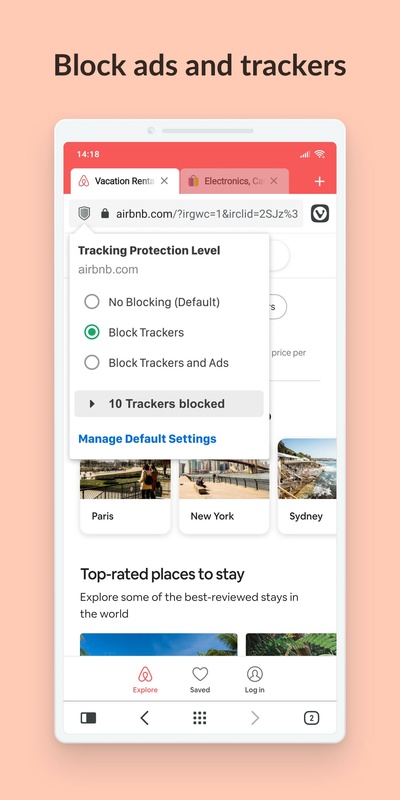
Vivaldi includes a native ad blocker that allows you to browse without distractions and load pages faster. When you open the browser for the first time, you can choose not to block anything, to block only trackers, or to block trackers and ads. You can also block ads by web page so that only the most annoying or intrusive on particular web pages are blocked.
Privacy and security is a priority
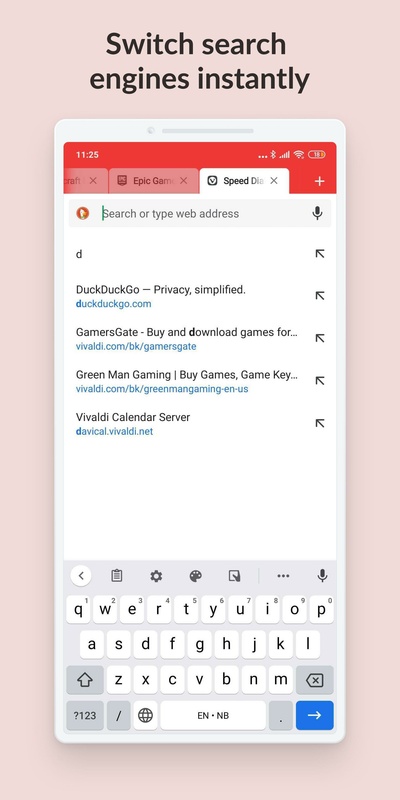
In addition to the tracker and ad blockers, Vivaldi has a private browsing mode that doesn't save your history or cookies. It also allows you to use privacy-friendly search engines, such as DuckDuckGo, by default. You can also use various web search engines by putting the initial letter at the start. For example, putting "d" in front of what you want to search for will search for it in DuckDuckGo. If you put a "w", you'll search on Wikipedia.
Customize the interface to your liking
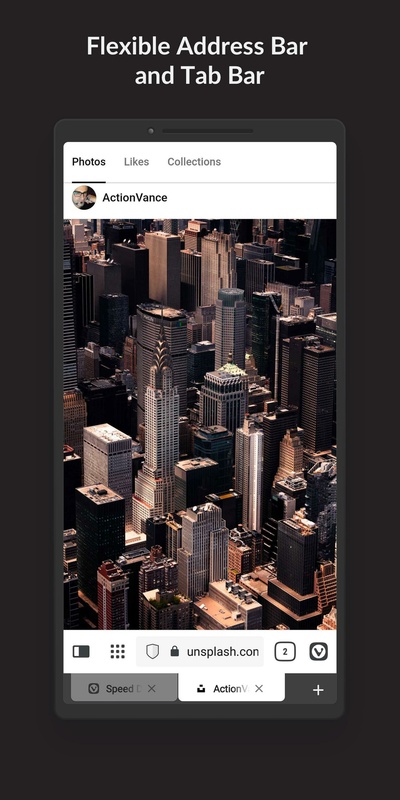
Vivaldi allows you to customize certain interface elements, including colors, theme and button layout. You can also choose how suggestions are displayed when you search for content in the address bar, as well as choose which web pages are displayed as suggestions on the home page. You can also change the background that appears in that home section.
Cross-platform compatibility and syncing
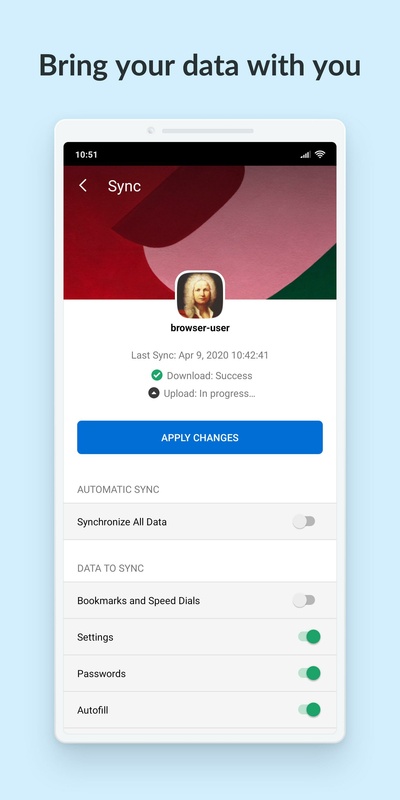
If you use several devices to browse online, Vivaldi is an excellent option to sync your data and information. For example, you can access your bookmarks, passwords, history and settings from any device. The notes you take on your mobile device are also synced between devices.
Other features
Vivaldi also has other additional features, such as a translator with private translations, full-page screenshots, QR code scanning to share links with other devices, filtering of the content displayed on web pages, tab duplicating, a reading mode, bookmark manager, download manager, cookie banner blocker and much more.
Download the Vivaldi APK and enjoy a fully-featured web browser.
Requirements (Latest version)
- Android 10 or higher required


 173 reviews
  The Vivaldi app is praised for its customization options and privacy features, offering a high-quality browsing experience
 This is an AI-generated summary based upon real user reviews.
Comments
The true MVP of alternative web browsers based on Chromium. It's not just another clone with a different skin but a fantastic tool with unique functionalities that give an interesting twist to how we ...See more
You can't open it if you intercept the third-party gallery.
Security, speed, and ease of use are just some of the attributes you can enjoy when using Vivaldi on your Android device. Access the Internet without difficulty, sync your data with other devices, and...See more
Ad blocking doesn't work for youtube or other webpages. I'm forced to use 3rd party ones, no way around for android app sadly. Design is outdated really needs something new, apart from that seems fine...See more
Long live Vivaldi ✌️
Very good!