





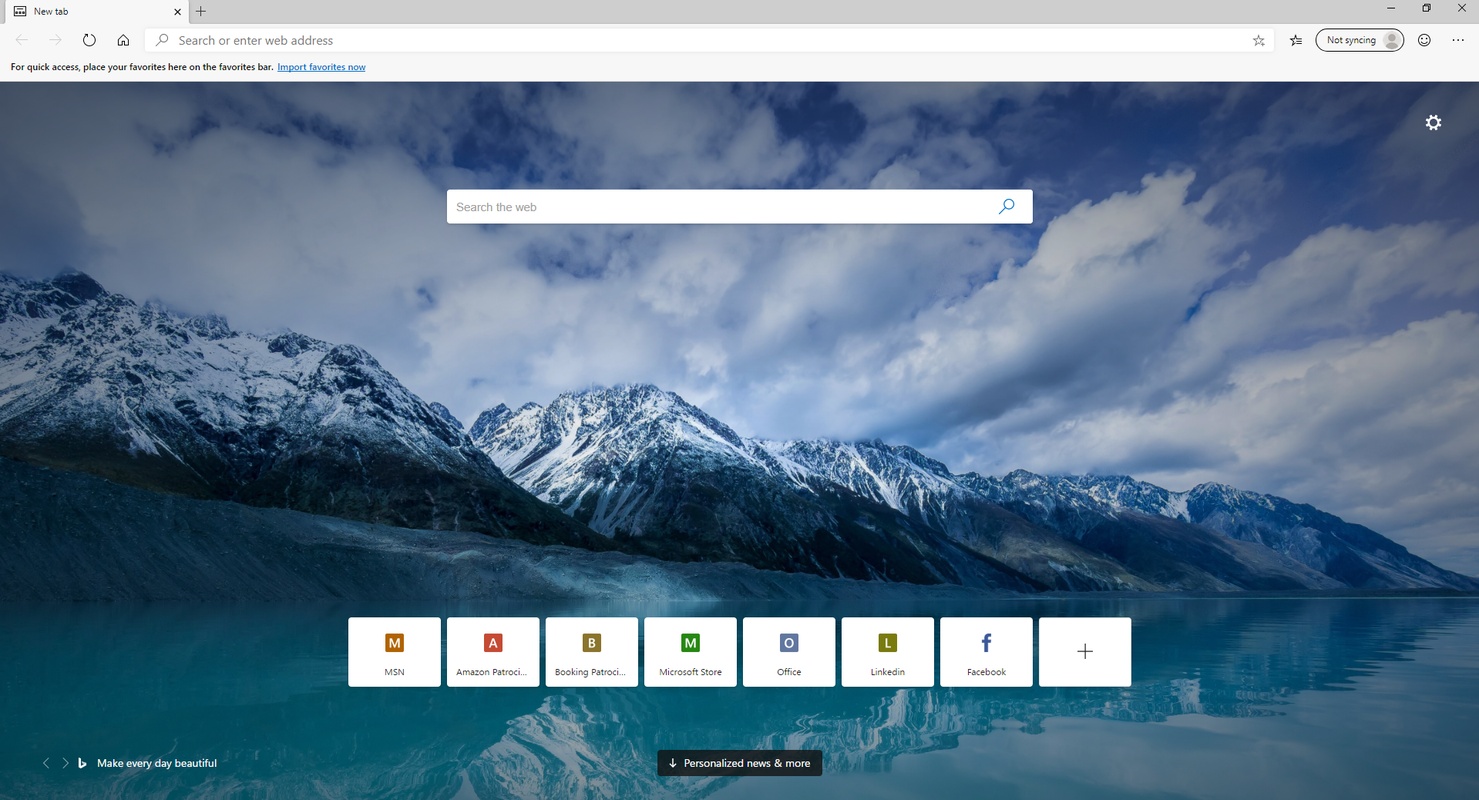

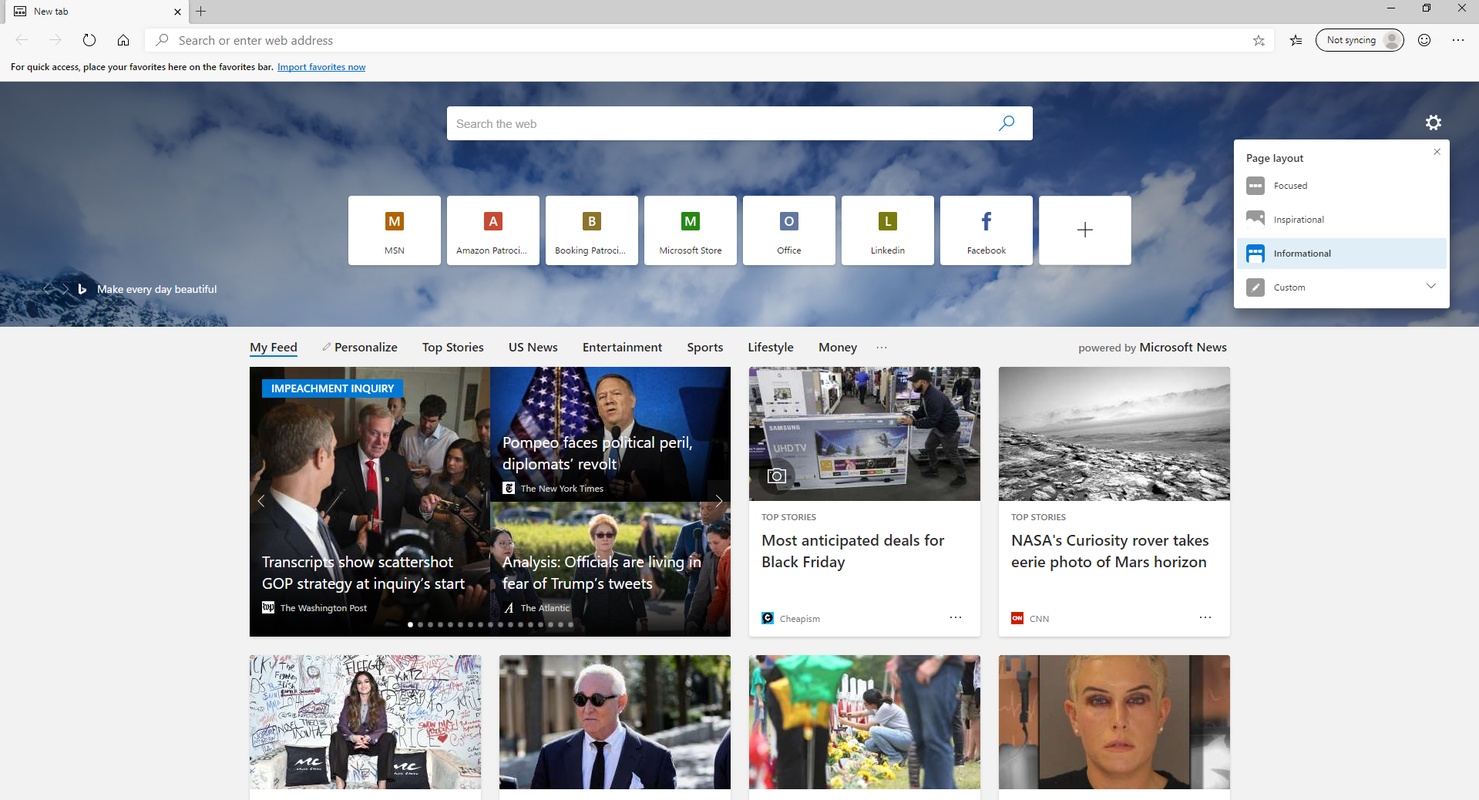
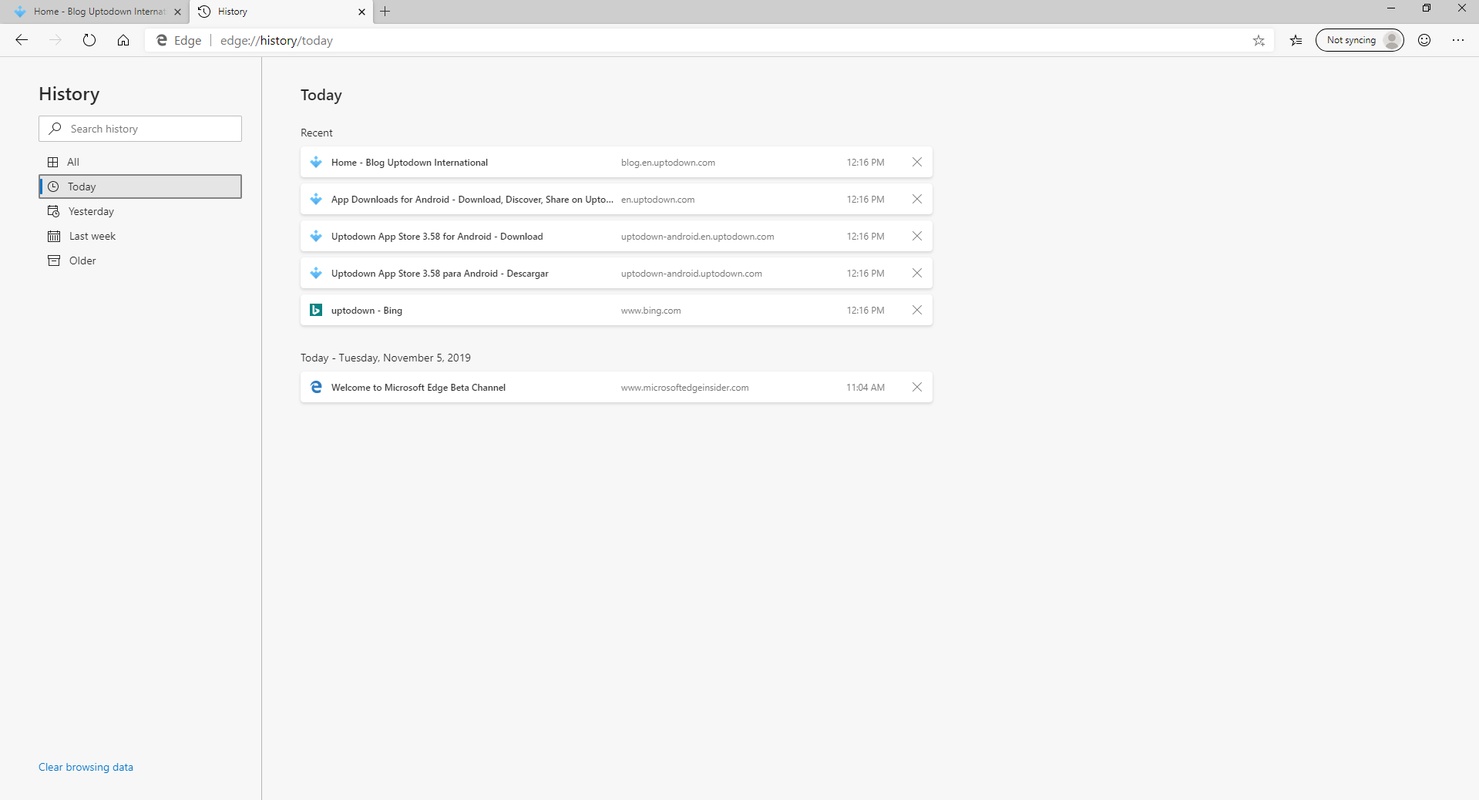




Microsoft Edge is Microsoft's official browser, released in 2015 alongside Windows 10. It is a closed source web browser, based on Chromium technology, which among other things allows it to be compatible with almost all Google Chrome extensions. This not only makes for a much more comfortable and fluid transition between browsers, it also makes it the most comfortable browser for Windows 10 and Windows 11.
Perfectly optimized for Windows
Unlike other browsers on the market, Microsoft Edge has been developed specifically for Windows. This means that, overall, it is the best optimized browser for Windows 10 and Windows 11. Some of its built-in features, such as fast startup or efficiency mode, make the program less resource-intensive and offer a faster browsing experience. Similarly, by working together with the operating system itself, the browser is able to offer a much higher level of protection against malware or phishing.
Uninstalling or removing Edge from Windows 10
Many users, especially those who have had bad experiences with Internet Explorer, want to uninstall Microsoft Edge without even giving it a try. While this is understandable, it is not recommended. Uninstalling the browser is as simple as searching for it in the Add or Remove Programs window and selecting Uninstall. But again, this browser is specially optimized for Windows. If you are having problems with the browser or you are getting a lot of errors, it is best to update Edge by manually downloading the latest installation package.
Customize Edge in Windows 10
One of Microsoft Edge's most striking aspects is how easy it is to customize both its appearance and features. You can quickly access the Appearance tab from the Settings menu, where you can choose from more than 15 different themes, which will change the appearance of the browser. And, if none of the available themes are to your liking, you can take a look at the Edge Add-ons store, where you can find hundreds of additional themes, many of them from popular video games and franchises such as Halo, Minecraft or Microsoft Flight Simulator.
Save all your passwords and personal info
Thanks to its integration with Windows, Microsoft Edge allows you to securely store your accounts, passwords, payment information, and personal information. Your password portfolio allows you to quickly see if any of your passwords have been compromised or leaked. As a security measure, to see any password or private information, you will have to enter the Windows PIN. Only after doing so will you be able to see your personal information.
Repair or update Edge on Windows
Some users experience issues with Microsoft Edge, especially on Windows 10. If this should happen, it is best to repair or reinstall the browser. Ideally, you should download the installer oriented toward the specifications of your operating system, whether Windows 10 or Windows 11, and reinstall it. Please note that the browser also works perfectly well on Windows 7 and Windows 8, but there may be problems on later versions.
One of the best browsers for Windows
Download Microsoft Edge for Windows if you are looking for a powerful and lightweight browser that runs smoothly even on computers with low RAM. The age-old Edge vs. Chrome comparisons are misleading, because each new version makes the previous one obsolete and it is impossible to make a faithful and accurate comparison. So the best thing is to see for yourself. Try both browsers and compare. As it is based on Chromium, you can import and export bookmarks, extensions and history with just one click.
Requirements (Latest version)
- Requires Windows XP or higher.


 22 reviews
Comments
Wow, app good
ok
very nice application
Yes
Nyc browser
It's a good browser and IT'S AVAILABLE FOR WINDOWS 7