





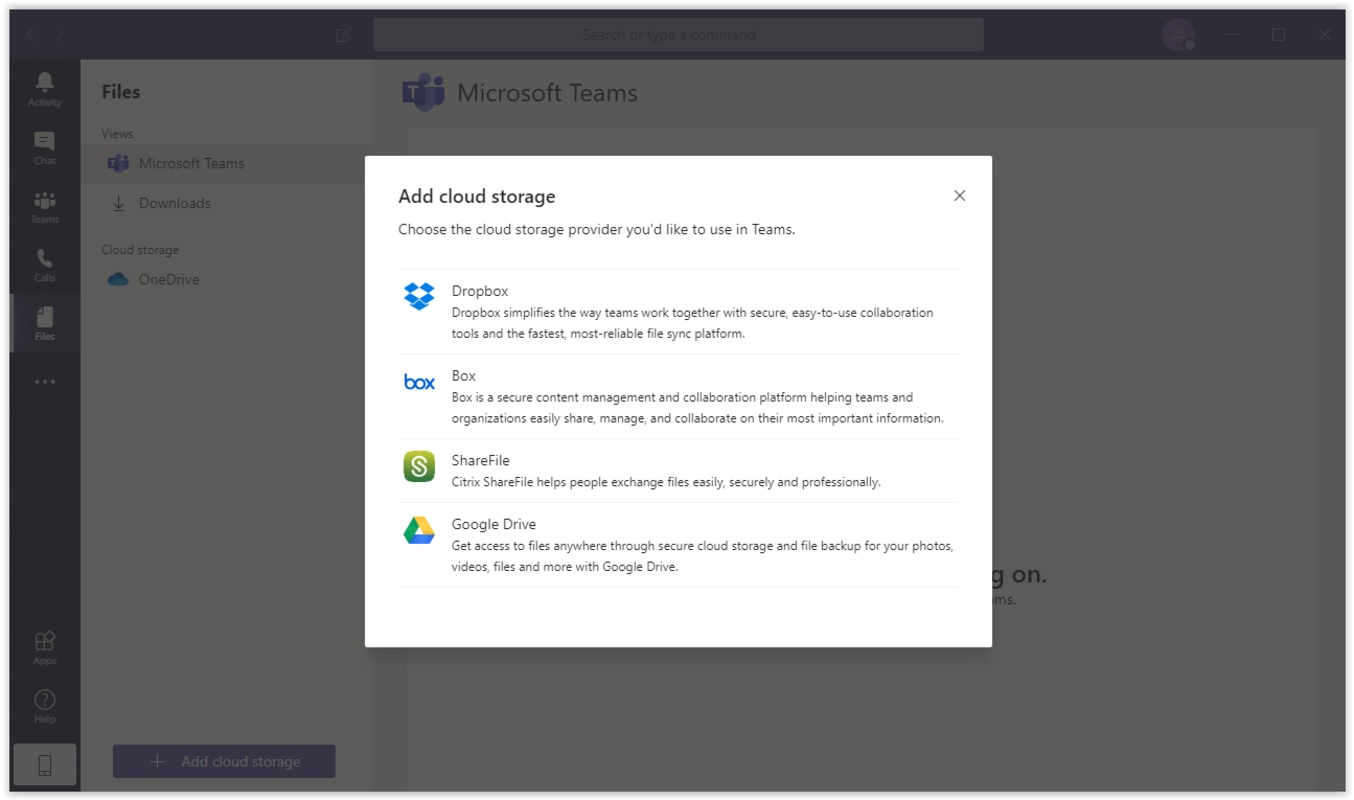
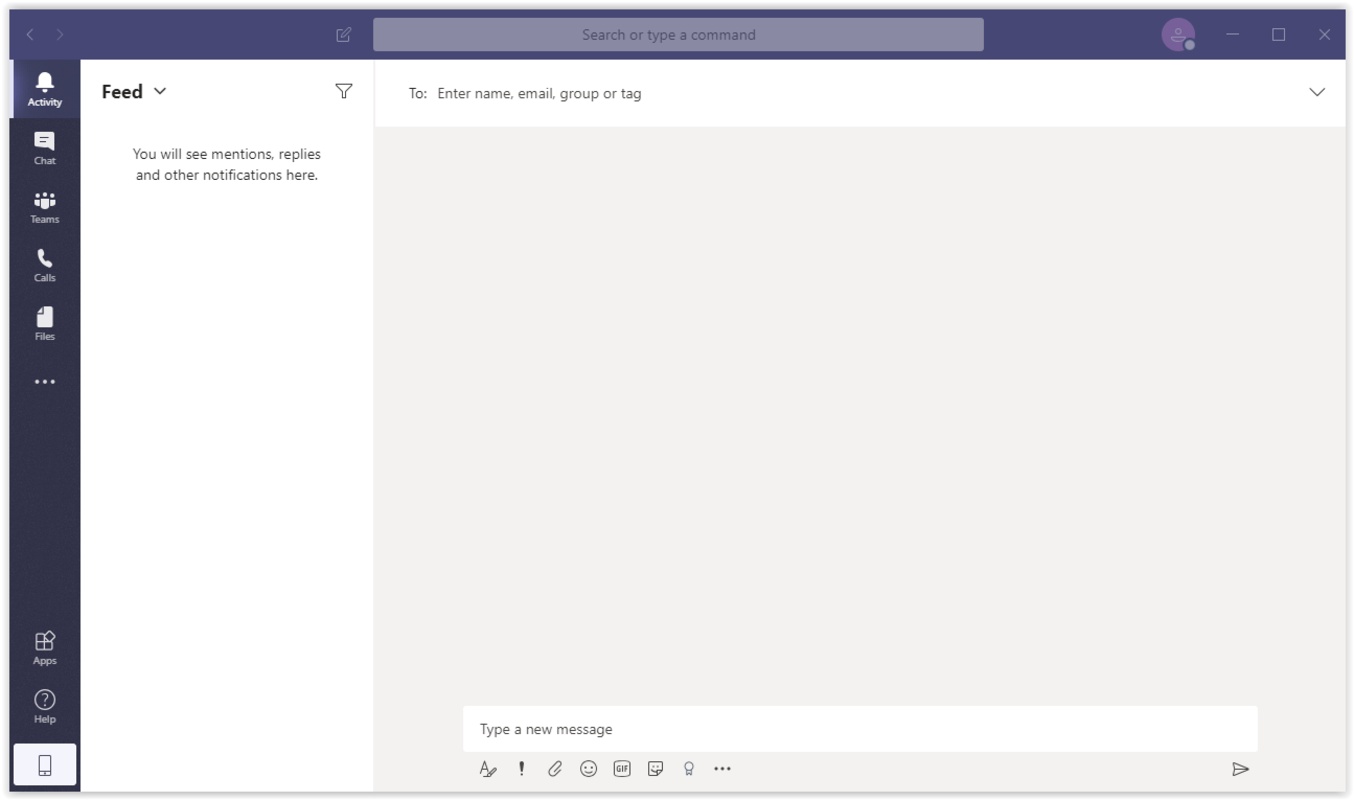

Microsoft Teams is the official Microsoft app for remote work, designed to facilitate team management and collaboration. This app is part of the Microsoft 365 family of products, which also includes Outlook, Word, PowerPoint, and OneDrive. Its main objective is to create a virtual workspace, so all members of the same team can work comfortably over the Internet thanks to various tools such as instant messaging, videoconferencing, synchronized calendars, and much more.
Log in with your Microsoft account
In order to use Microsoft Teams, you must be logged in with a Microsoft account. The easiest way to do this is to use any email address ending in @hotmail.com, @live.com, @msn.com, or @outlook.com. Of course, you can also create an email account exclusively for this app. Once you've logged in, the app will automatically sync all the relevant information on your account, including calendar information and contacts in your address book on Skype.
Create work groups in a snap
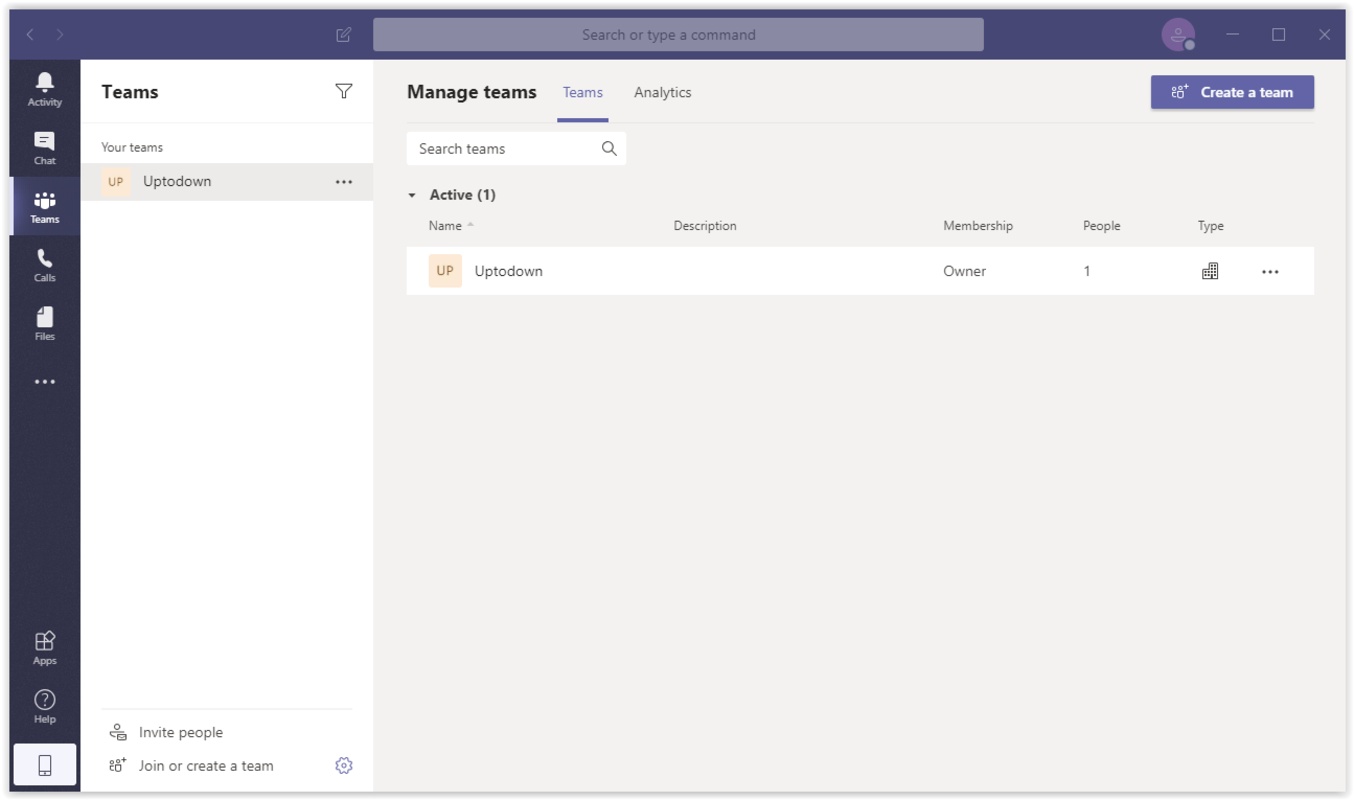
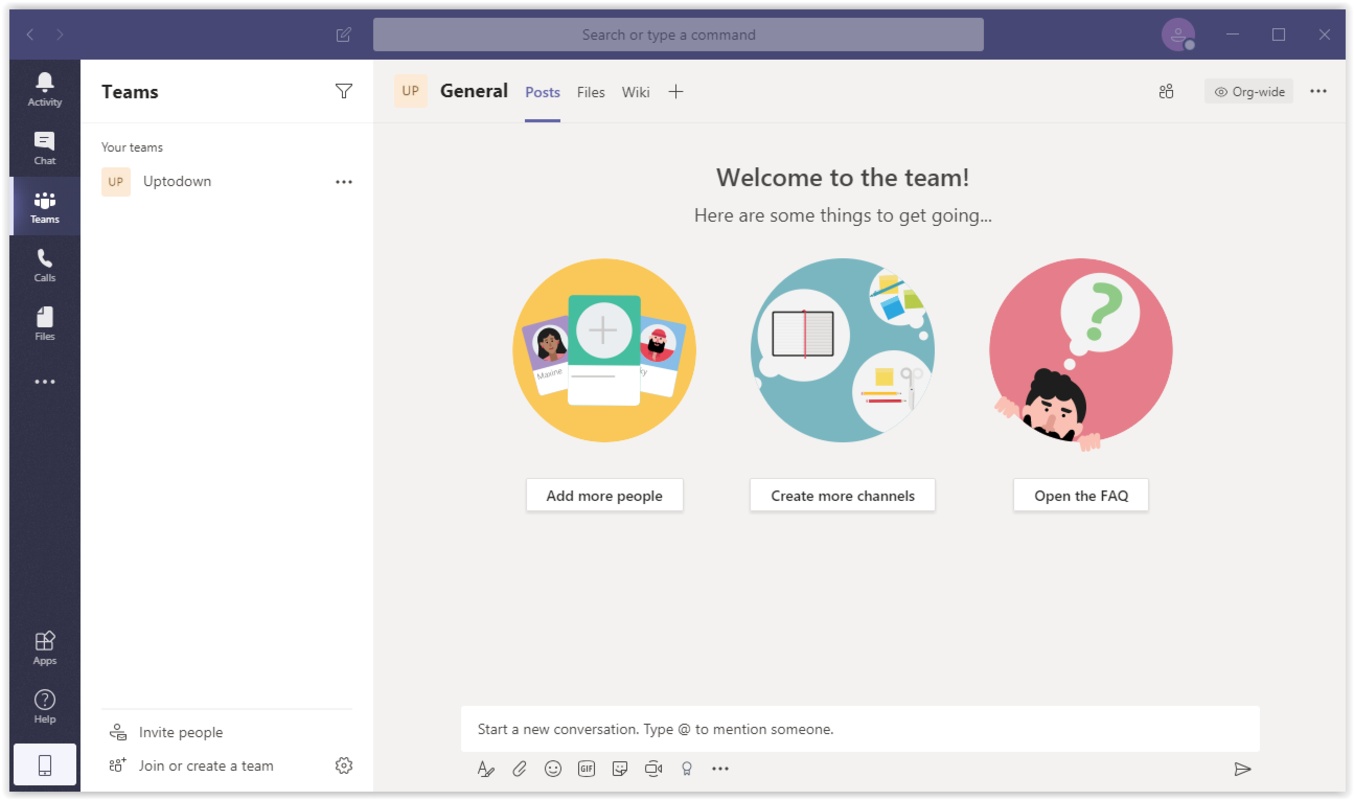
To start working with a group, the first thing you have to do is create a team to which you can add all the members working on a project. The easiest way to invite others to your group is through an invitation link, but you can also send them an email or text message. Of course, you can also create a welcome message within the community itself, so as soon as new members of the group arrive, they know exactly what to expect or what to do.
An effective way to communicate
Within your work group, you will be able to create all kinds of posts and announcements, as well as share images and files easily. You can also create customized events to send the date and link for any meeting or videoconference automatically to all the members of the same team. Moreover, there is no size limit for the files you want to upload to your community. Microsoft Teams allows you to share documents larger than 1 GB, so you and your team won't run into any problems when uploading all kinds of files.
Chat and videoconferencing
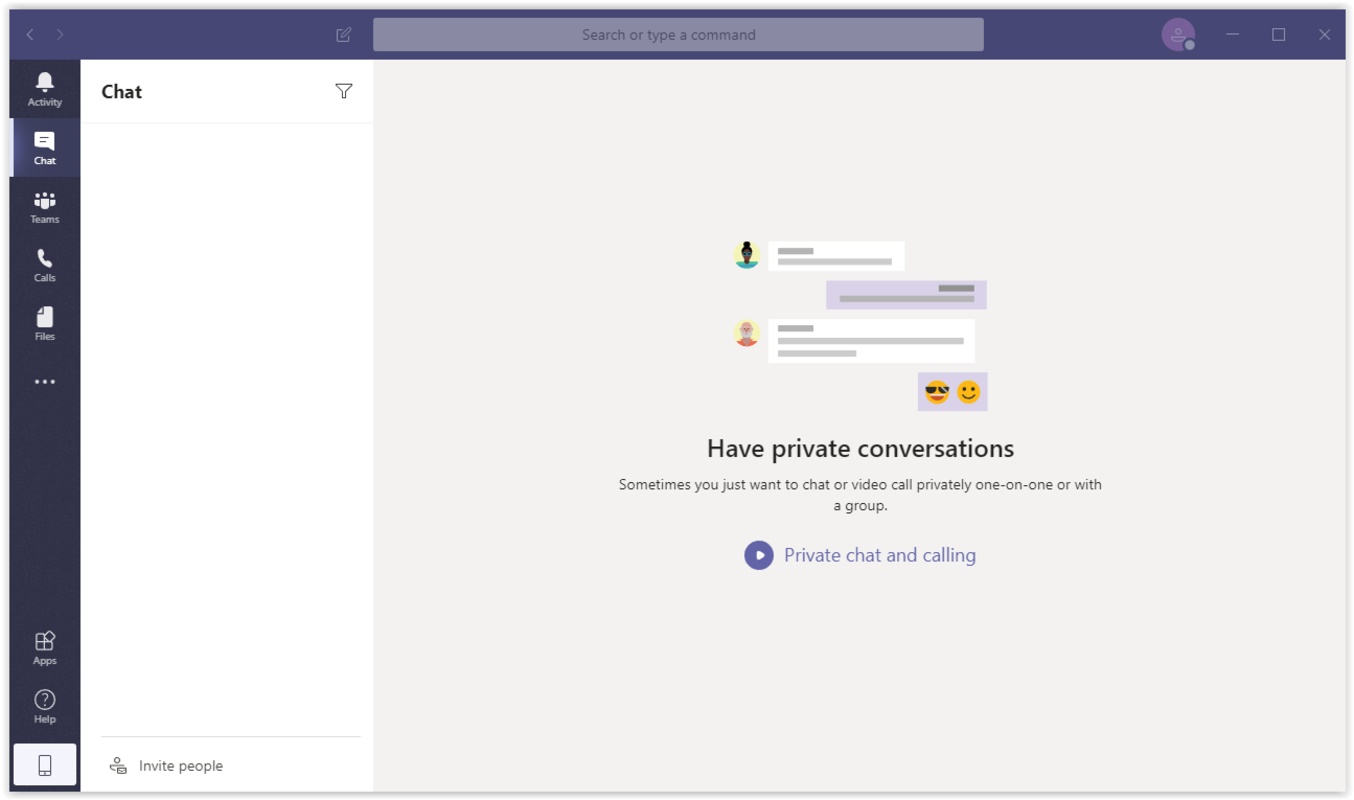
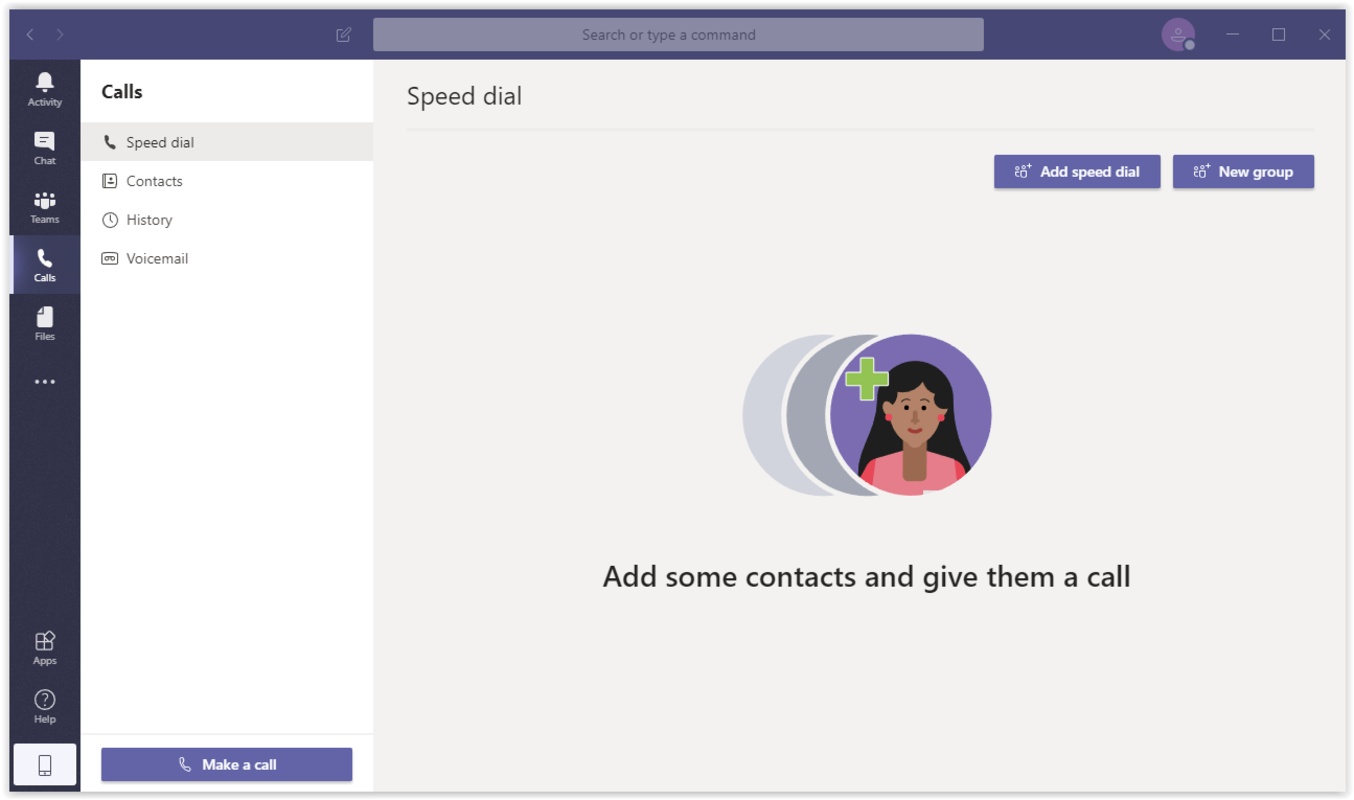
With Microsoft Teams, you can access personalized chat rooms, as well as create videoconferences with groups or individuals. Not surprisingly, this app has replaced Skype by providing all of the same features. Thanks to this, you can chat with your colleagues by sending emoji, stickers, audio files, and photos, as well as create videoconferences in which up to 300 people can participate simultaneously. Yes, you can create videoconferences for up to 300 people. However, if you prefer, you can also call your colleagues to talk one-on-one.
Plans and improvements
The free version of Microsoft Teams allows you to create videoconferences with a maximum duration of 60 minutes for up to 100 simultaneous participants. On the other hand, the Premium version not only allows you to create videoconferences without a time limit, but it also allows you to invite up to 300 people. Other advantages of the Premium version include increased cloud storage space, as well as additional benefits for Microsoft 365 users.
A complete activity log
Another strength of Microsoft Teams is its activity log, thanks to which you can see all the changes that have been made within a work group, who has made them, and when they were made. Thanks to this log, you will be able to keep track of the team's progress and keep up with the latest updates to your projects. All this within a security framework designed to protect your work from potential threats.
Microsoft's remote work solution
Download Microsoft Teams if you're looking for a software capable of managing all the day-to-day needs for your company or remote work group. Thanks to this app, you can easily coordinate teams, participate in group videoconferences, chat with friends, and much more. And all this from a very simple interface, which has been specially designed so that users of all levels can take full advantage of the program's many features.


 17 reviews
Comments
❤️❤️
excellent
Excellent
nice for meetings
nice one and posibility to meet on air